

When Iran's international internet goes down, most people notice one thing: foreign sites stop opening. For a developer it is far worse: pip install fails, docker pull hangs, GitHub is unreachable, and even a site hosted on an Iranian server can suddenly fail, because some small part of it depended on a foreign service.
This post is about keeping your work and services running on the domestic network, and its main point is that almost all of it has to be done before the shutdown. Once the connection is gone, you can't download anything.

1. Set up domestic mirrors now
Several Iranian companies keep mirrors of the main package registries that stay reachable on the domestic network. I tested these from a server inside Iran and they responded at the time of writing, but mirrors do go down, so test them yourself before relying on them.
Python (pip):
pip config set global.index-url https://mirror-pypi.runflare.com/simple
Node (npm):
npm config set registry https://mirror-npm.runflare.com
Docker, in /etc/docker/daemon.json:
{
  "registry-mirrors": ["https://docker.arvancloud.ir"]
}
then sudo systemctl restart docker.
Linux updates (Ubuntu/Debian): point the repositories in /etc/apt/sources.list (or sources.list.d) to a domestic mirror such as mirror.arvancloud.ir.
Open-source lists such as Mirava track more mirrors.
Important: install your project once through the mirror now, while the internet works. If a package or version is missing, you find out today, not mid-crisis.
2. Keep dependencies locally
Mirrors can go down or slow to a crawl under load. For projects that must not stop, keep a local copy of everything:
Python: download every package as a file and install offline later:
pip download -r requirements.txt -d ./wheels
# later, offline:
pip install --no-index --find-links ./wheels -r requirements.txt
Node: commit package-lock.json, and keep a working project's node_modules or a backup of the npm cache (~/.npm).
Docker: save the images you need:
docker save python:3.12-slim postgres:16 nginx:stable -o images.tar
# later:
docker load -i images.tar
Models and data: if you work with AI, download the Hugging Face models and datasets now. A few gigabytes today saves weeks later.
3. Have documentation offline
Without the internet, the biggest slowdown isn't installing packages; it's getting an answer to a simple question.
- DevDocs stores documentation for dozens of languages and frameworks in the browser for offline use.
- Zeal (Windows, Linux) or Dash (macOS) do the same as desktop apps.
- Project docs: many libraries keep their docs in the repository; a
git cloneor zip download is enough. - A local AI assistant: if your hardware allows, a small open model running on your own machine partly replaces quick searches.
4. Your site shouldn't depend on abroad
I learned this one first-hand. My site runs on a server inside Iran, yet one day when the server's internet connection had problems, the whole site returned 500. The frontend fetched data from the backend through the site's public address, and the server could no longer reach its own public address. Both frontend and backend were healthy, side by side on the same machine. The fix was connecting them over the internal route.
So "the server is in Iran" is not enough. Check these:
| Dependency | What happens | Replacement |
|---|---|---|
| Google Fonts | Pages load late or with a fallback font | Font files on your own server |
| CSS or JS from a foreign CDN | Buttons and menus stop working | Bundle them on your server |
| reCAPTCHA | Forms can't be submitted at all | A domestic captcha or simple rate limiting |
| Google Analytics | Usually just lost stats, sometimes a slower page | Server-side analytics |
| Sign in with Google | Users can't log in | Email or phone sign-in |
| A foreign API on the server | Requests hang until timeout | A short timeout and a clear error |
A quick test: open the page, press F12, open the Network tab, and note every request to a domain that isn't yours. Each one is a breaking point.
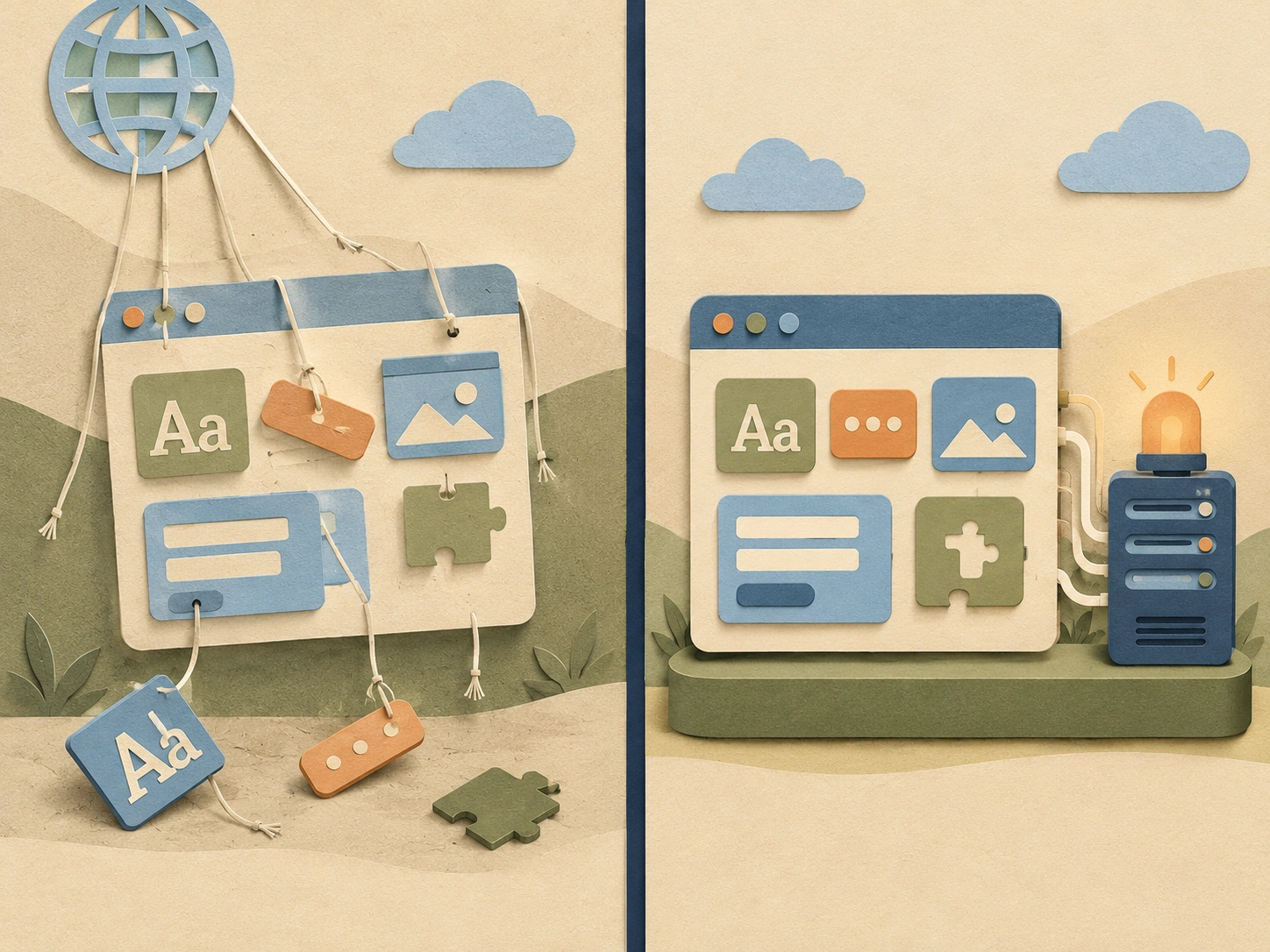
5. Foreign services: a fallback for each
Some dependencies can't be removed, but you can prepare for losing them:
- Telegram bots: the Telegram API is unreachable on the national network. If important reports or alerts arrive through a bot, add a domestic channel (SMS, domestic email or a domestic messenger).
- Email: sending through Gmail or foreign providers stops. Keep a domestic email or SMS provider ready for critical messages like verification codes.
- External gateways and APIs: give every outbound request a short timeout. Without one, a dead API can tie up the whole server.
- Monitoring: if your monitoring is foreign, you get no alerts during an outage. A simple domestic check, even a cron script, is enough.
6. Code and backups where you can reach them
If your code lives only on GitHub, you can't reach it during a shutdown.
- A second remote on a domestic Git service or a Gitea on your own server:
bash
  git remote add local git@your-server:you/project.git
  git push local --all && git push local --tags
- Database backups on a domestic server and another copy on your own machine; a backup that exists only in a foreign cloud doesn't exist during a shutdown.
- Access: make sure logging into your servers and panels doesn't depend on a foreign service.
Checklist: today
- [ ] pip, npm, Docker and apt use a domestic mirror, and I've tested them.
- [ ] Packages, Docker images and models I need are stored locally.
- [ ] Core documentation is available offline.
- [ ] My site loads no essential font, script or CSS from abroad.
- [ ] My forms don't depend on reCAPTCHA.
- [ ] Telegram bots, email and external APIs have a fallback or a timeout.
- [ ] Code and backups have a domestic copy.
None of this is complicated, but all of it has one condition: it has to be done while the internet still works.