
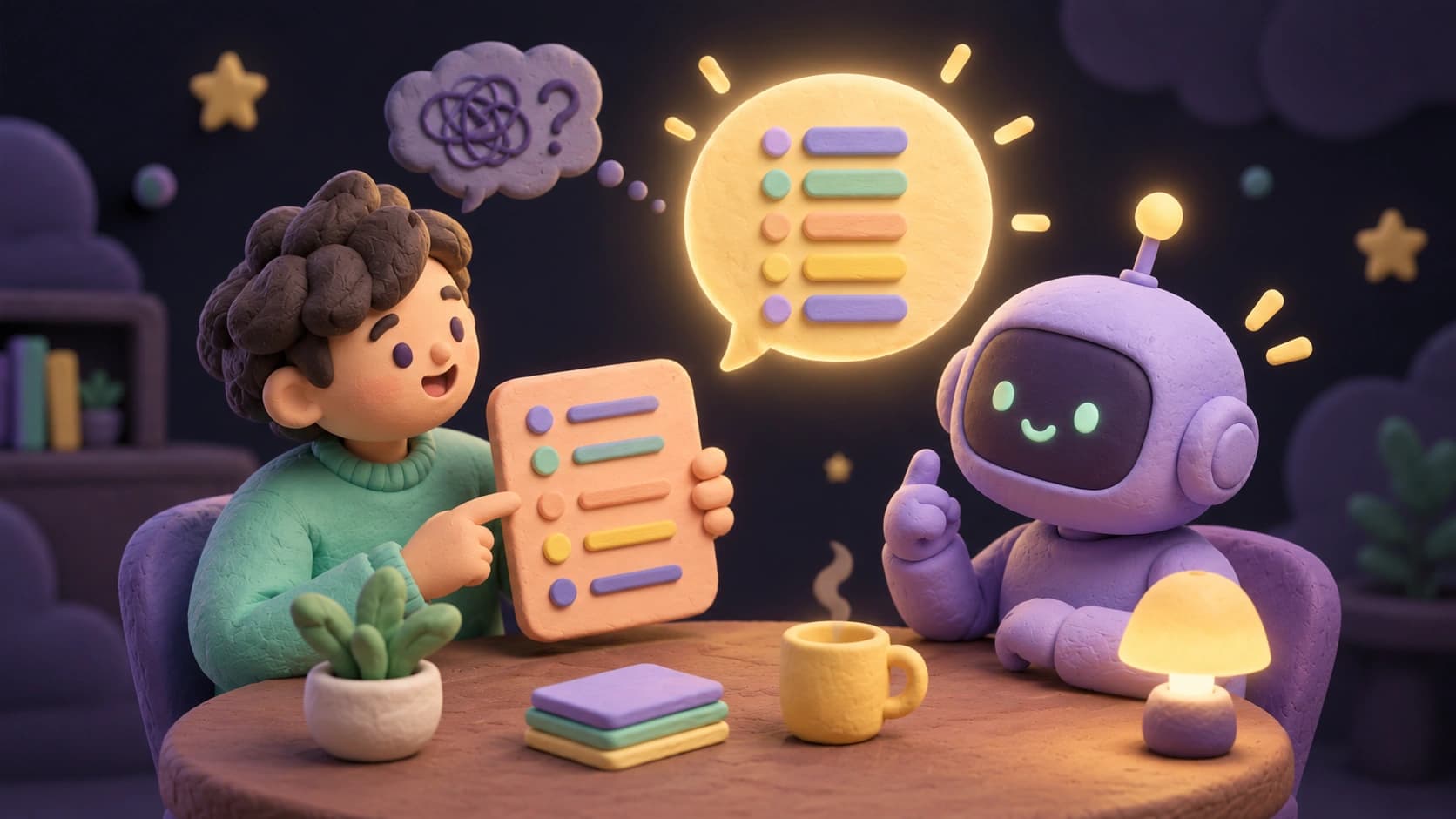
You've probably had this experience: you ask ChatGPT or another AI something and get an answer that isn't wrong, but isn't useful either. Generic, long, like text you've read a thousand times.
Most of the time the problem isn't the AI; it's the question. AI can't read minds. It only knows what you told it, and it fills the gaps with the most "average" guess. This article shows how a few simple changes get much better answers from the same tool, with no technical knowledge.
What is a prompt?
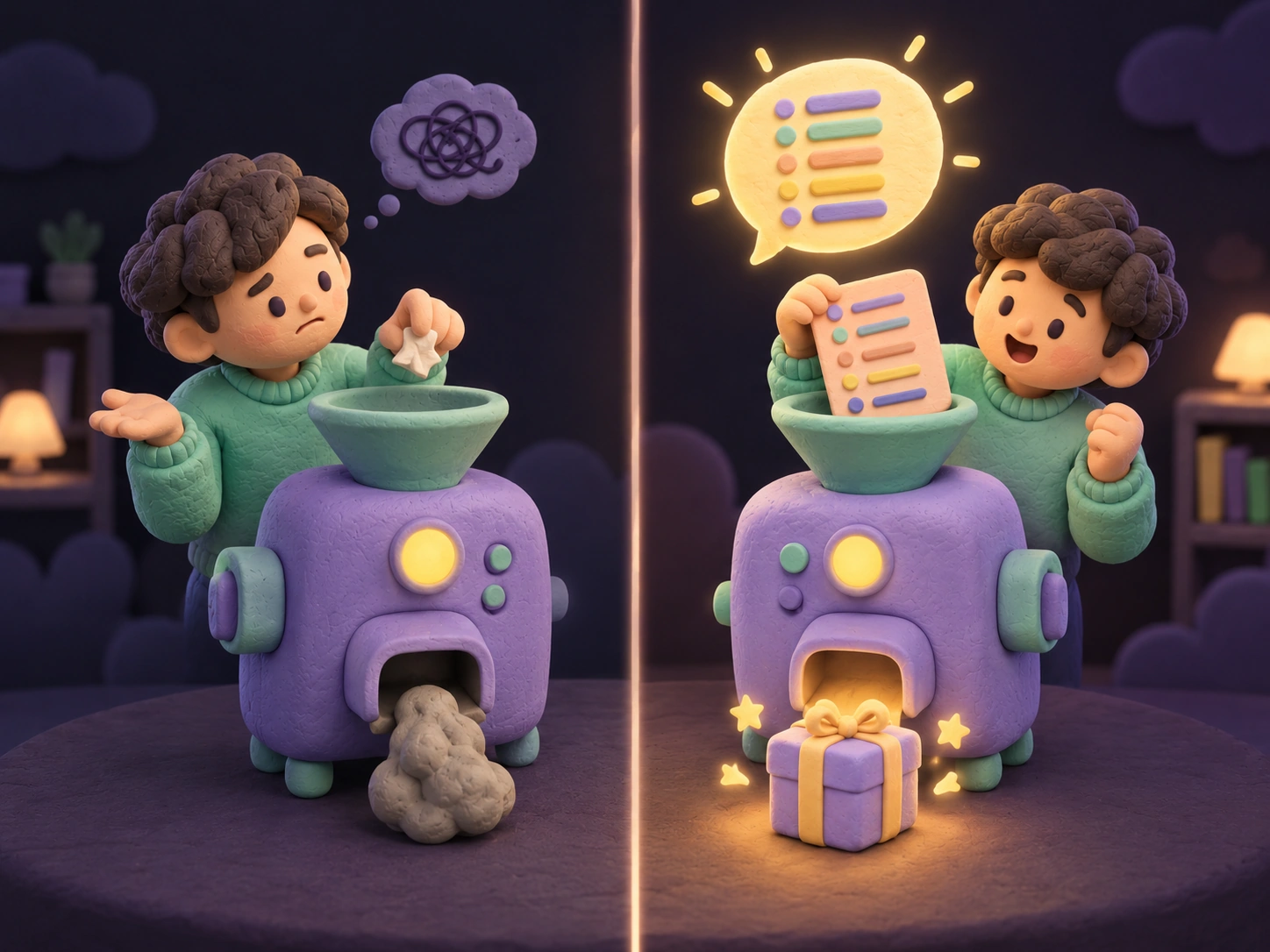
A prompt is simply the text you write to an AI: a question, a request or an instruction. The name sounds technical, but the skill is very close to an everyday one: explaining a task to a new colleague.
Tell a new employee "write an email" and who knows what you'll get. Say "write a short, polite email to a customer whose order will arrive three days late, apologise, and offer ten percent off their next purchase", and you'll get almost exactly what you wanted.
AI is just like that: a very knowledgeable, very fast colleague who knows nothing about you or your situation.
Five parts of a good prompt
You don't always need all of them, but each one you add improves the answer.
1. Role: "who are you?"
Say what angle to answer from: "as a financial advisor", "as a patient teacher explaining to a teenager", "as a strict editor". That one sentence changes the tone, the level of detail and the kind of answer.
2. Task: "what exactly do you want?"
Instead of "tell me about diets", write "give me a one-week meal plan". A specific verb (write, summarise, compare, list, find the problems in) is half the work.
3. Context: "what's your situation?"
The most important and most forgotten part. The AI doesn't know who you are, your budget, your audience or what you've already tried. Write whatever a person would need to know to help you.
4. Format: "what should the answer look like?"
A table? A list? Three paragraphs? At most 100 words? Plain language? If you don't say, you usually get a long text full of headings.
5. Constraints and examples: "what not, and something like what"
"No jargon", "no more than five items", "not formal". And if you have an example of what you like, include it: "match the tone of this text: ...". One example beats ten lines of explanation.
Before and after: three everyday examples
Example 1: a trip plan
❌ "Plan a trip to Shiraz."
✅ "Plan a three-day trip to Shiraz in May. We're a middle-aged couple without a car, long walks are hard for us, and we love historic sites and local food. Split each day into morning, midday and evening, and group nearby places on the same day."
Example 2: a difficult message
❌ "Write a message telling my landlord the air conditioner is broken."
✅ "Write a short, polite message to my landlord. The air conditioner has been broken for two weeks; I mentioned it once by phone and nothing happened. I want it respectful but firm, asking when a repair person will come. At most five lines."
Example 3: learning a concept
❌ "What is inflation?"
✅ "Explain inflation to someone who never studied economics. Start with an example from everyday shopping, then explain why cash savings lose value when inflation is high. No formulas, at most two paragraphs."
In all three, the second prompt is longer, but nothing in it is complicated. It just puts on paper the information that was already in your head.
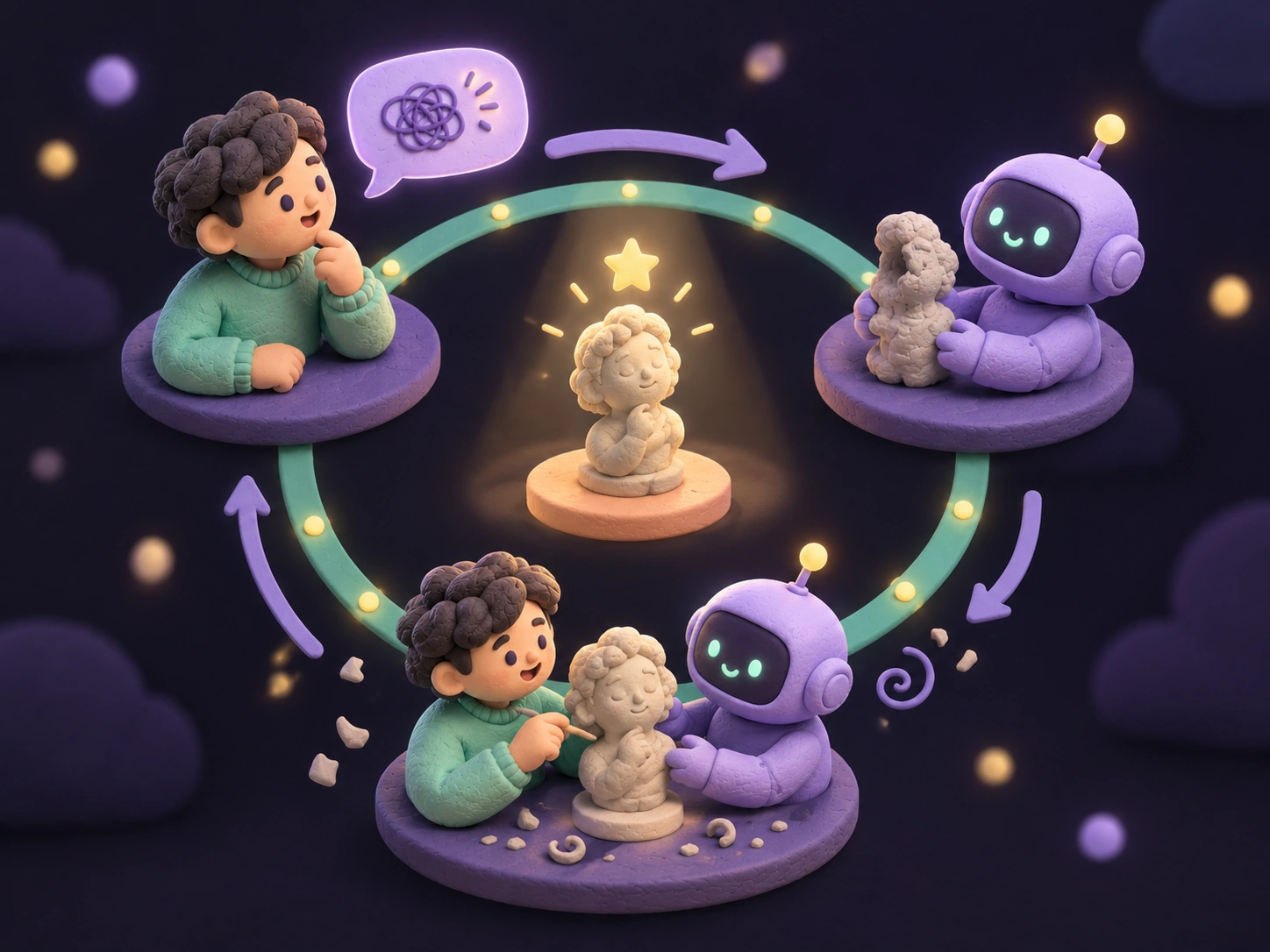
Have a conversation, don't ask once
The biggest mistake is treating the first answer as final. AI is a conversation, not a search engine. After the first answer you can say:
- "Make it shorter."
- "Explain the third point more."
- "Make the tone friendlier."
- "Compare these two options in a table."
Each correction moves the answer closer to what you want.
Three simple tricks many people don't know
1. Let it ask first. When you're not sure what's needed yourself, write: "Before answering, ask me any questions you need." The AI will ask for exactly the information it's missing.
2. Ask it to think step by step. For problems with calculation or reasoning (comparing two loans, choosing between two options), write "work through this step by step". Mistakes become less likely, and you can see which step you disagree with.
3. Ask it to critique itself. After an answer, write: "Now, as a strict critic, list the weaknesses of this answer." It often finds problems you hadn't noticed.
AI makes mistakes too
AI sometimes states something false with complete confidence: a statistic, a date, a law or a source that doesn't exist. This is called a "hallucination", and it looks exactly like a correct answer.
A few simple rules:
- Always check numbers, dates, laws and sources somewhere reliable.
- For medical, legal and financial questions, treat the answer as a starting point, not a final decision. Consult a professional.
- If you ask for a source, open the link and check it really says that.
What not to write
Everything you type into these tools is stored on another company's servers. So:
- Passwords, card numbers, national ID numbers and bank details: never.
- Other people's private information (a friend's medical record, customer data): leave out names and identifying details.
- Confidential work documents: remove sensitive information before pasting.
A ready-made template
If you remember only one thing from this article, make it this:
Role: act as a [specialist / teacher / editor ...].
Task: [exactly what to write, summarise, compare ...].
Context: [who I am, the situation, the audience, what I've already tried].
Format: [table / list / a few paragraphs, maximum length, tone].
Constraints: [what to avoid]. If information is missing, ask me first.
Conclusion
Writing a good prompt isn't a technical skill; it's the old skill of explaining clearly. The more you treat AI as a smart but uninformed colleague and make your situation clear, the more useful the answers you get. And remember: the first answer is only the start of the conversation.